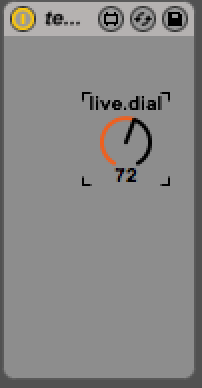
How would you make the dial respond to tempo changes?
download
https://github.com/tkzic/max-for-live-projects
folder: tempo
device: tempo-test.amxd
instructions
- drag the tempo.amxd file into a midi track
- turn the dial and watch the tempo change
How would you make the dial respond to tempo changes?
https://github.com/tkzic/max-for-live-projects
folder: tempo
device: tempo-test.amxd
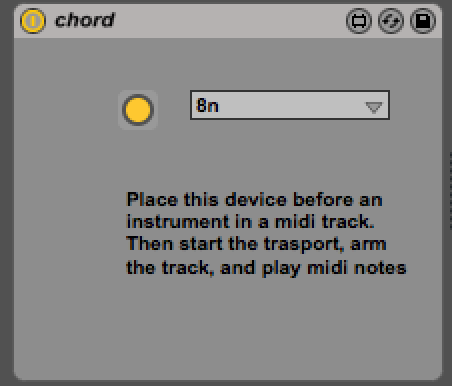
Global tempo setting triggers Midi chords
https://github.com/tkzic/max-for-live-projects
folder: repeater
device: chord.amxd
This version randomly generates chord tones and and note durations.
In the same folder, device: chord2.amxd
Try connecting the dials to a Midi controller
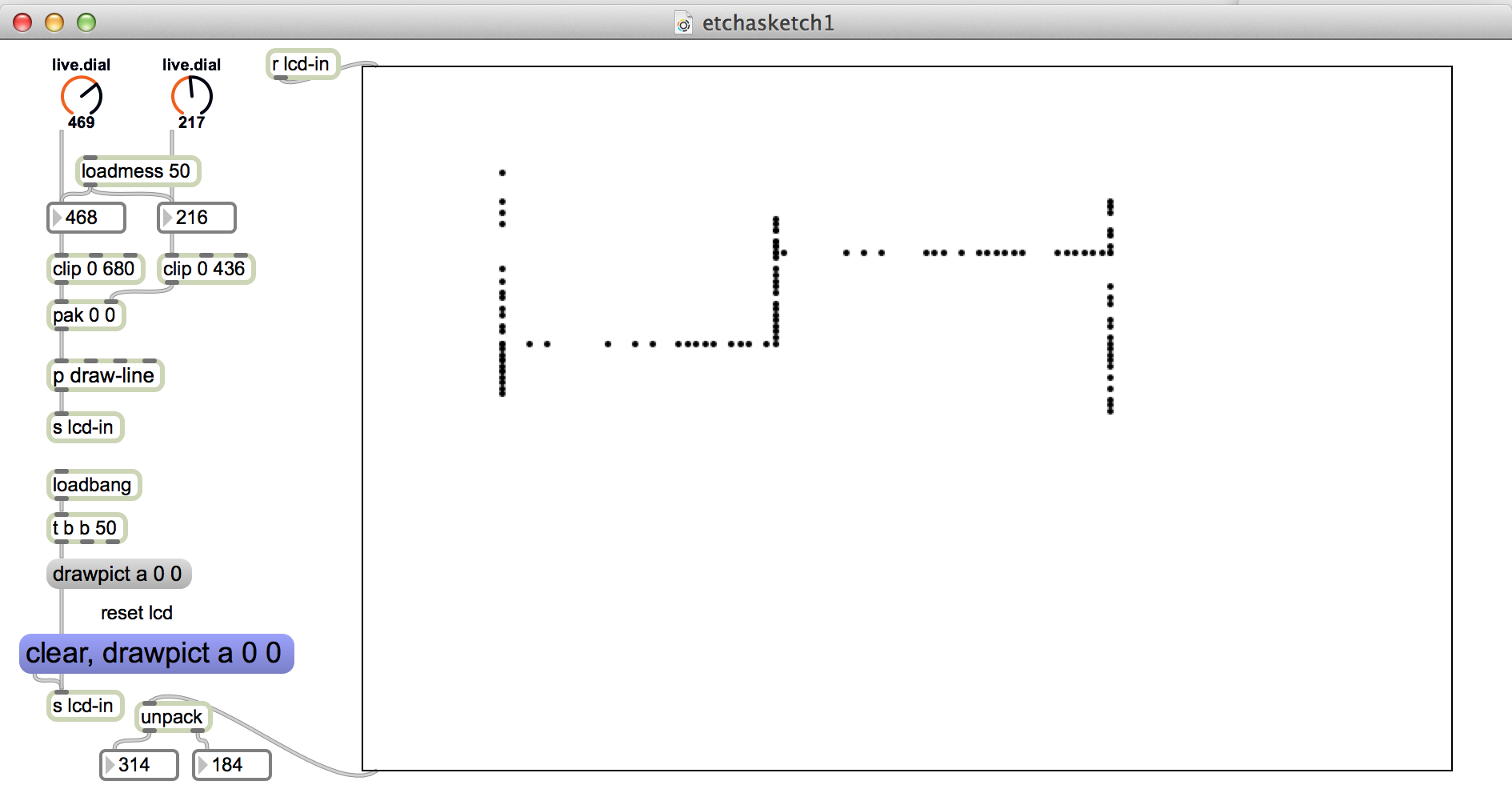
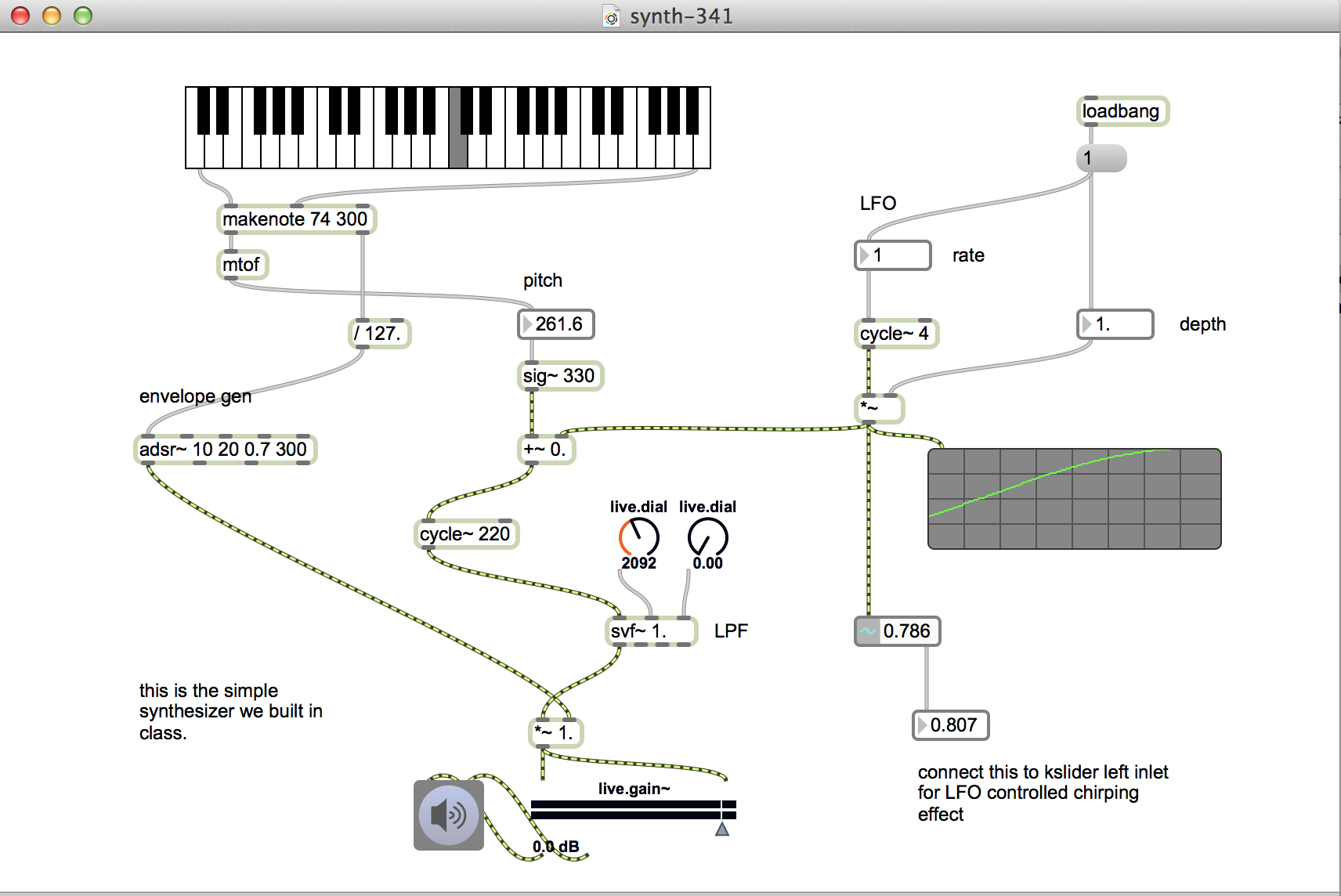
https://github.com/tkzic/max-projects
folder: synth-basics
patch: synth-341.maxpat
Generating Midi notes
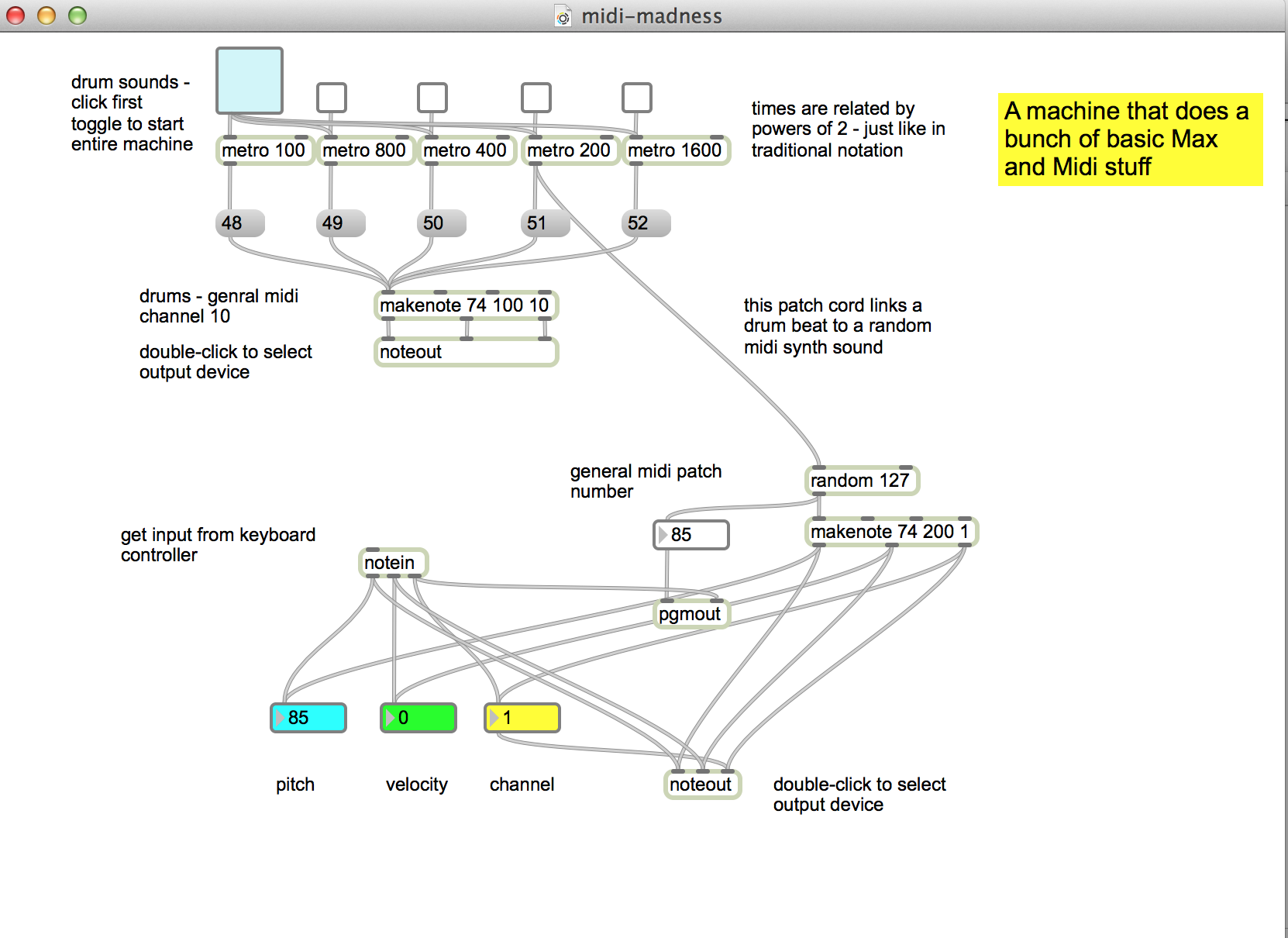
https://github.com/tkzic/max-projects
folder: midi-basics
patch: midi-madness.maxpat
Examples of editing Max help files to build Csound M4L devices
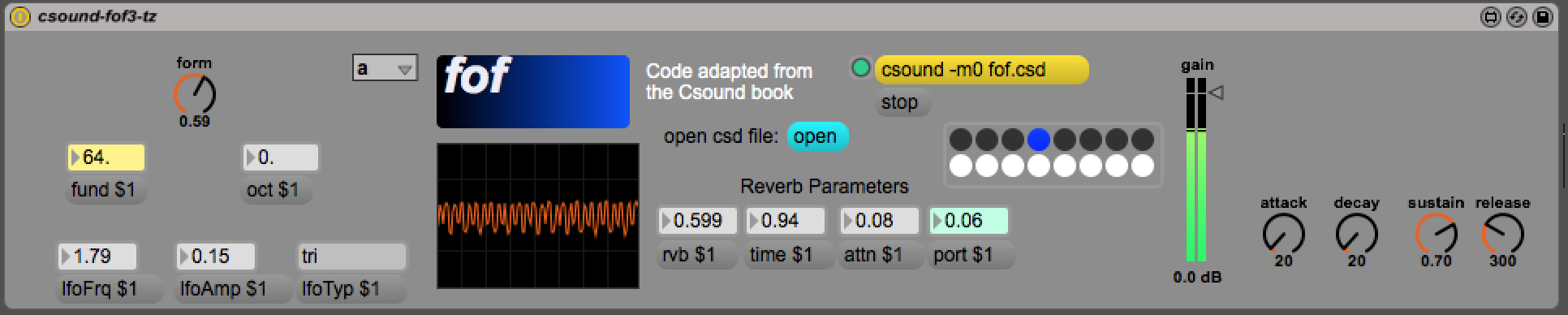
A formant based Midi synth using Csound FOF – from the Max help file for [csound~]
from “The Csound Book” by Dr. Richard Boulanger
https://github.com/tkzic/max-for-live-projects
folder: csound
device: csound-fof3-tz.amxd
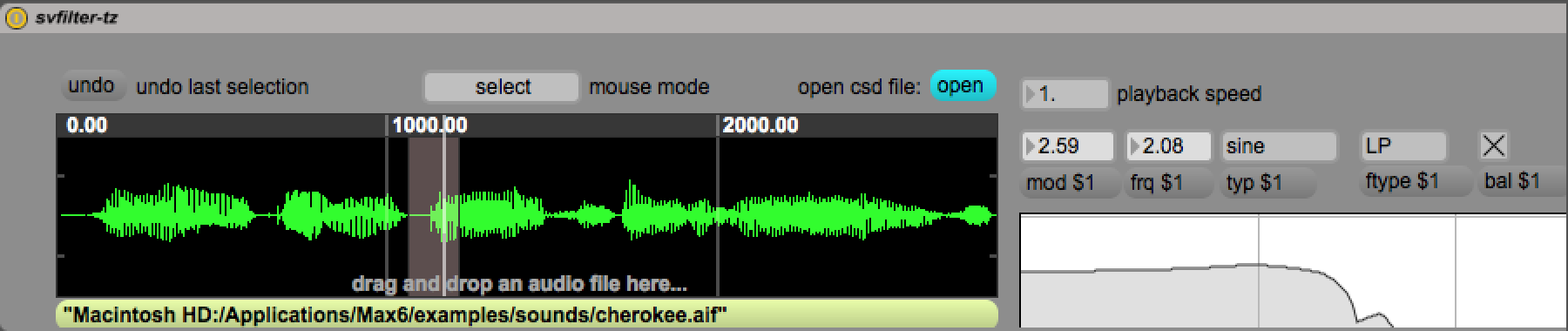
Sample playback using a state variable filter using Csound SVFILTER – from the Max help file for [csound~]
from “The Csound Book” by Dr. Richard Boulanger
https://github.com/tkzic/max-for-live-projects
folder: csound
device: svfilter-tz.amxd
for converting Max help files to M4L devices:
Edit Max help files to build M4L devices
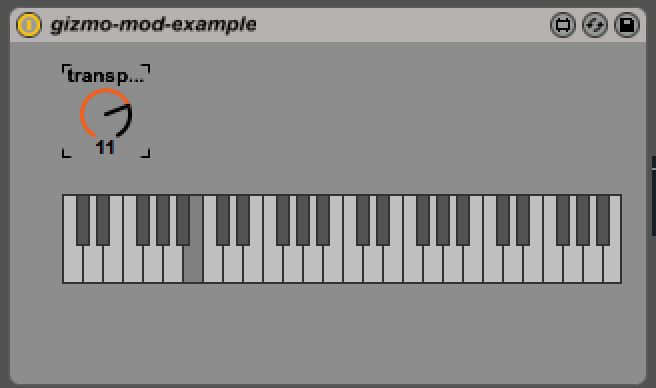
An audio pitch transposer made from [gizmo~]
https://github.com/tkzic/max-for-live-projects
folder: gizmo
device: gizmo-mod-example.amxd
If you have access to a leap motion sensor, here is the same device using hand gestures to control the pitch.
device: gizmo-thing-700.amxd
Uses the aka.leapmotion external – which needs to be in your Max file path. Download from here: http://akamatsu.org/aka/max/objects/
for converting Max help files to Max for Live devices:
Current local version is in tkzic/van project/van47g key9d.als
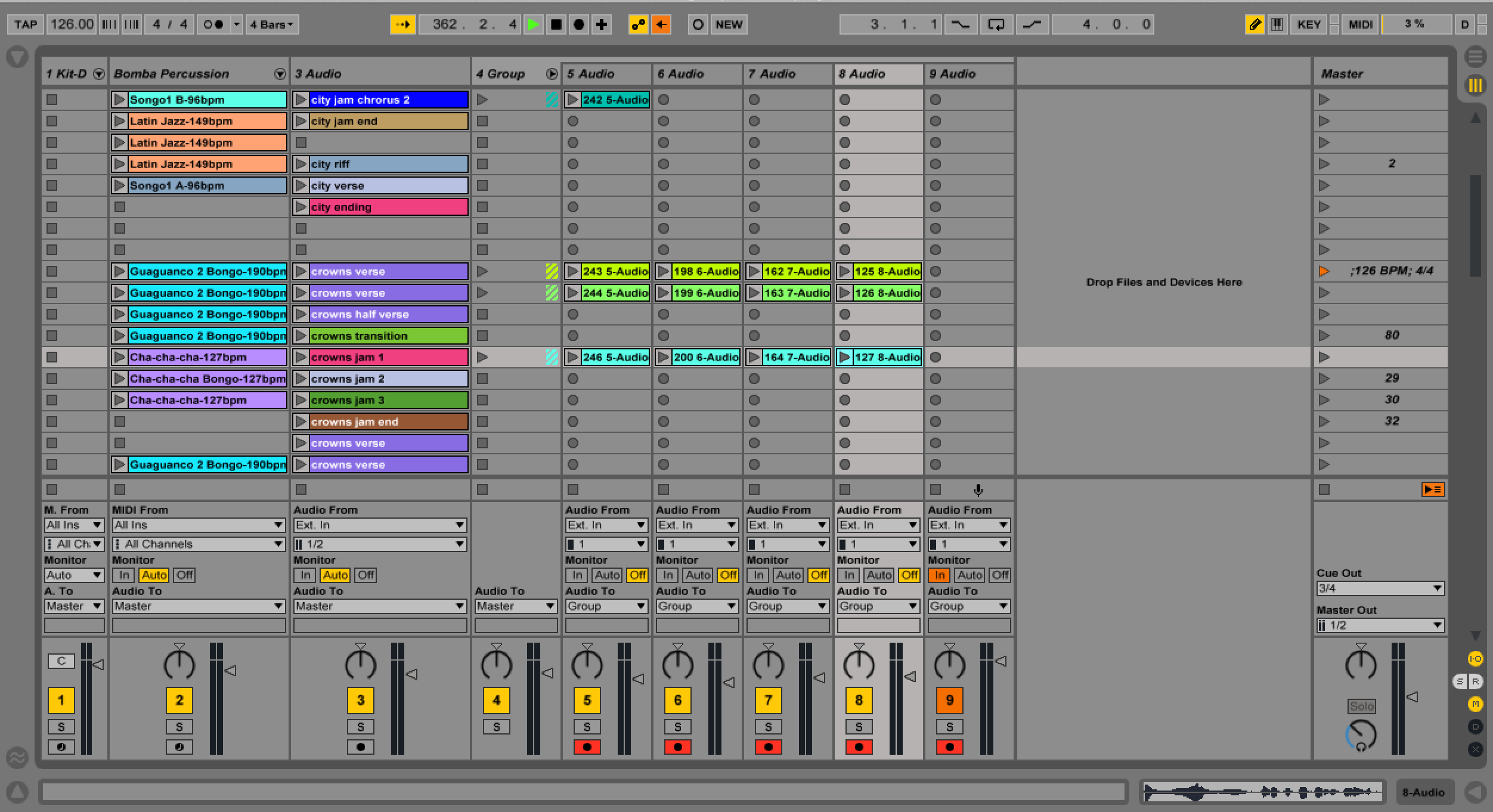
Essentially it now works with a minimal amount of external hardware.
Backed up the midiStroke config file in its current state. The file is located at: /Users/tkzic/Library/Application Support/midiStroke/midiStroke.cdcmidistroke. Backups will be kept in the same folder.
Correspond to track levels 1-9